Why SEO Matters for a WordPress Site in 2026
Search engine optimization (SEO) helps search engines understand your website and helps people discover relevant pages through search. Google describes SEO as making it easier for search engines to understand your content and for users to find your site.
For WordPress users, the platform provides many useful foundations, but installing WordPress alone does not automatically optimize a website. You still need to make decisions about URLs, content, titles, internal links, images, indexing, performance, and site structure.
SEO is also becoming more important beyond traditional blue-link results. Google now provides AI-powered search experiences, including AI Overviews and AI Mode. Its current guidance says the fundamentals of SEO continue to apply to these experiences.
The goal, therefore, is not to create a website only for algorithms. Build a website that is useful, accessible, technically sound, and easy for both people and search systems to understand.
What Is SEO for WordPress?
SEO for WordPress is the process of improving a WordPress website so search engines can crawl, understand, index, and potentially show its pages for relevant searches.
It usually includes four areas:
- On-page SEO: Optimizing titles, headings, content, images, links, and page structure.
- Technical SEO: Improving crawling, indexing, URLs, performance, mobile usability, security, and site architecture.
- Content SEO: Creating useful, original content that addresses real search needs.
- Off-page SEO: Earning relevant links, mentions, and recognition from other websites.
WordPress can support all four, but SEO still requires planning and ongoing maintenance.
Step 1: Make Sure Search Engines Can Index Your Site
Before spending time on keywords or plugins, check whether search engines can access your website.
In WordPress, review your search engine visibility settings and make sure you have not accidentally instructed search engines to avoid indexing the site.
Then verify the website in Google Search Console. Search Console can help you identify indexing problems, search visibility trends, and pages that Google has discovered.
Google emphasizes that meeting technical requirements does not guarantee crawling, indexing, or ranking, but those requirements are an important foundation for eligibility in Search.
For a new WordPress website, check:
- The site loads correctly.
- Important pages return successful responses.
- Search engines are not unnecessarily blocked.
- Important pages are indexable.
- Internal links connect important pages.
- Your XML sitemap is available where appropriate.
- Your preferred domain and URL versions are consistent.
Step 2: Choose SEO-Friendly WordPress URLs
Clean URLs make your website easier for visitors and search engines to understand.
For example:
example.com/seo-for-wordpress-site/
is generally clearer than:
example.com/?p=123
WordPress lets you configure permalink structures from Settings > Permalinks. The WordPress documentation notes that custom permalink structures can improve the aesthetics and usability of links.
Keep URLs:
- Short and descriptive
- Relevant to the page
- Easy to read
- Consistent
- Free from unnecessary parameters when possible
Avoid changing established URLs without a reason. If a URL must change, use an appropriate redirect so users and search engines can reach the new location.
Step 3: Do Keyword Research Before Creating Content
Keyword research helps you understand what your audience is actually searching for.
For example, a website about WordPress SEO could target topics such as:
- SEO for WordPress site
- WordPress SEO optimization
- technical SEO for WordPress
- WordPress SEO plugins
- how to optimize WordPress website for Google
- WordPress sitemap
- WordPress page speed optimization
Do not create separate pages for every tiny variation of the same query. Google says its language systems can understand how pages relate to many searches without requiring every exact keyword variation to appear on the page.
Instead, group closely related queries into useful topics and create comprehensive pages that satisfy the underlying search intent.
Step 4: Optimize WordPress Titles and Headings
Your page title tells users and search engines what the page is about.
Create a unique, descriptive title for each important page. Google recommends titles that are clear, concise, unique, and accurately describe the content.
For this article, for example:
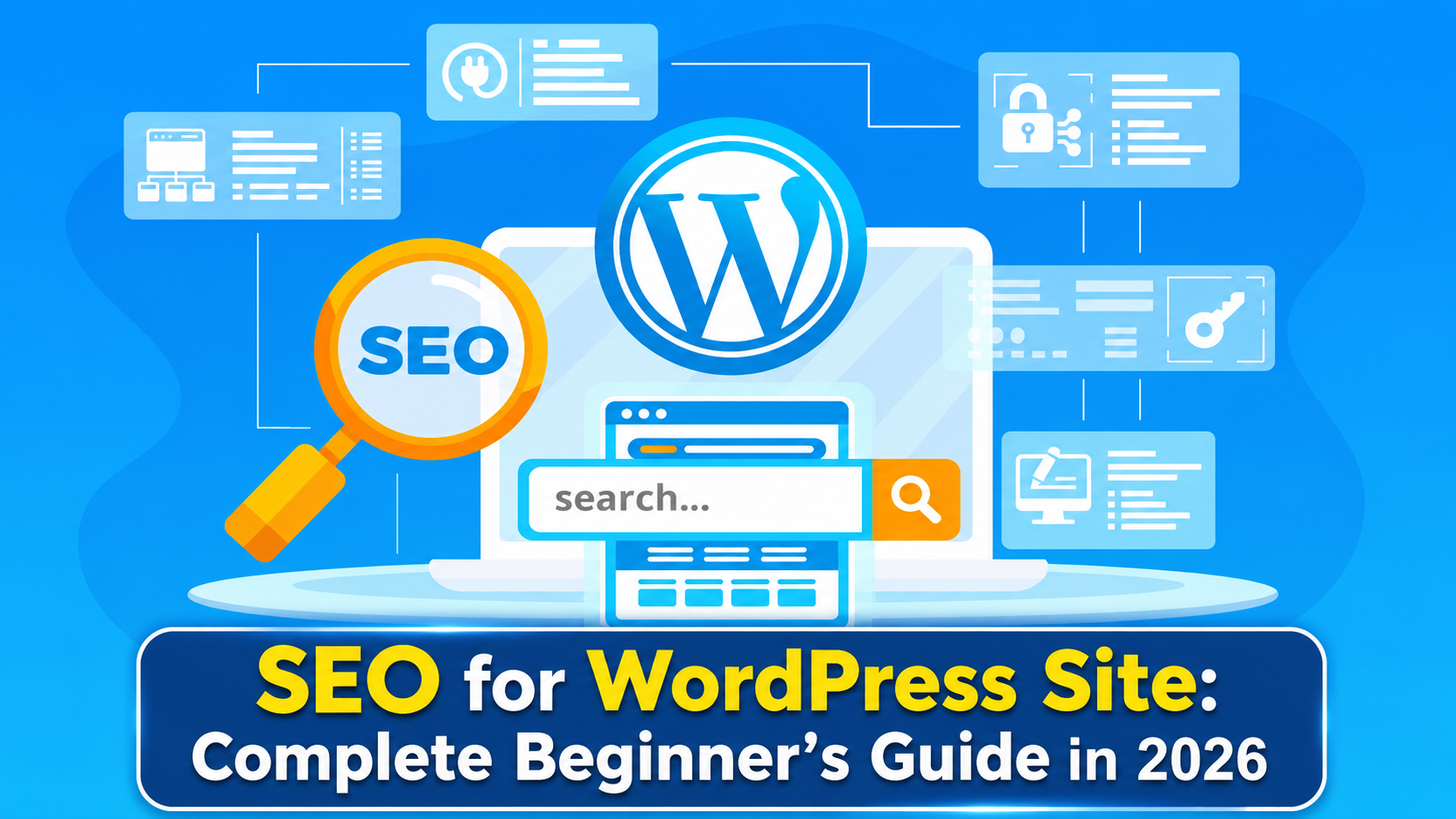
SEO for WordPress Site: Complete Beginner’s Guide in 2026
Use one clear H1 for the primary page topic, then organize supporting sections with H2 and H3 headings.
Avoid forcing keywords into every heading. A natural structure is better for readers and makes the page easier to navigate.
Step 5: Create Helpful, People-First Content
Content is one of the most important parts of WordPress SEO.
A page should answer the user’s question rather than simply repeat a keyword.
Google’s current guidance emphasizes helpful, reliable, people-first content and asks creators to consider whether content provides original information, substantial value, expertise, and a satisfying experience.
When creating WordPress content:
- Answer the main question early.
- Use clear headings.
- Add useful examples.
- Explain complex concepts simply.
- Include original insights where possible.
- Keep information accurate and current.
- Update older content when necessary.
- Remove or improve pages that no longer provide value.
Avoid producing large quantities of generic pages simply because keywords have search volume.
Step 6: Improve Technical SEO for WordPress
Technical SEO for WordPress focuses on making your site easier to crawl, process, and use.
Important areas include:
Site architecture
Organize content into logical categories and make important pages easy to reach.
Mobile experience
Make sure pages work properly on phones and tablets.
Page performance
Reduce unnecessary scripts, optimize images, use appropriate caching, and avoid excessive plugins or third-party resources.
Security
Keep WordPress, themes, and plugins updated and use HTTPS.
Duplicate URLs
Avoid creating multiple versions of essentially the same page when they are not necessary.
Google’s AI-search guidance specifically recommends maintaining clear technical structure, crawlability, good page experience, and reducing unnecessary duplicate content.
Step 7: Use WordPress SEO Plugins Carefully
WordPress SEO plugins can make many optimization tasks easier.
Common plugin features include:
- Custom SEO titles
- Meta descriptions
- XML sitemaps
- Canonical URL controls
- Robots directives
- Schema support
- Social metadata
- On-page SEO recommendations
However, a plugin is not an SEO strategy.
Choose a reputable plugin that fits your needs rather than installing several plugins that perform overlapping functions. Multiple plugins trying to manage the same SEO settings can create unnecessary complexity.
The most important question is not “Which WordPress SEO plugin ranks websites?” but “Which plugin helps me manage the SEO functions my site actually needs?”
Step 8: Optimize Images
Images can improve content quality and user experience, but poorly handled images can also affect performance.
Before uploading an image:
- Use an appropriate file format.
- Resize images to reasonable dimensions.
- Compress large files.
- Give important images descriptive filenames.
- Add useful alternative text when appropriate.
- Avoid stuffing keywords into alt text.
Alt text should describe the image’s useful meaning rather than repeat the target keyword unnecessarily.
For example, instead of:
wordpress-seo-seo-wordpress-seo-plugin.jpg
use something descriptive such as:
wordpress-seo-plugin-settings.jpg
Step 9: Build a Strong Internal Linking Structure
Internal links connect one page on your website to another page on the same website.
They can help users discover related information and help search engines understand relationships between pages.
For example, an article about WordPress SEO could link naturally to pages about:
- WordPress speed optimization
- Keyword research
- Technical SEO
- Content optimization
- Website security
Use descriptive anchor text that tells readers what they will find after clicking.
Do not add internal links simply to reach a specific number. Relevance and usefulness matter more than volume.
Step 10: Improve WordPress Site Performance
A fast, usable website provides a better experience for visitors.
Start with practical improvements rather than trying to optimize every technical metric immediately.
Check:
- Image sizes
- Caching
- Hosting performance
- Unnecessary plugins
- Theme efficiency
- JavaScript and CSS
- Third-party scripts
- Mobile performance
WordPress’s Tools > Site Health area can help identify configuration, software, security, and performance-related issues. WordPress recommends keeping WordPress, plugins, and themes up to date and maintaining a healthy server environment.
Step 11: Add Structured Data Where It Fits
Structured data provides machine-readable information about a page.
Depending on the page type, appropriate structured data can help Google understand elements such as articles, products, organizations, breadcrumbs, and other supported content types.
Do not add structured data simply because it exists. It should accurately describe visible page content and follow Google’s guidelines.
Google’s current guidance says structured data can help its systems understand page content and that the markup should match information visible on the page.
Step 12: Connect WordPress to Google Search Console
Google Search Console is one of the most useful free tools for monitoring SEO performance.
It can help you investigate:
- Search queries
- Clicks
- Impressions
- Average positions
- Indexed pages
- Sitemap submissions
- Search appearance
- Technical issues
In 2026, Google also introduced new Search Generative AI performance reports for a subset of websites, providing visibility into impressions and pages appearing in generative AI features across Search and Discover.
This makes Search Console increasingly relevant for understanding how your website performs across both traditional and AI-powered search experiences.
How to Optimize WordPress for AI Search in 2026
You do not need a completely separate “AI SEO” system to begin.
Google’s current documentation says its generative search experiences are grounded in core Search systems, meaning established SEO fundamentals remain important.
Focus on:
- Creating original, useful content.
- Answering specific questions clearly.
- Maintaining crawlable pages.
- Using logical site architecture.
- Providing accurate information.
- Demonstrating relevant expertise.
- Keeping important content updated.
- Using structured data appropriately.
- Supporting text with useful images or other media where relevant.
Think of AI visibility as an extension of good web publishing rather than a shortcut around SEO fundamentals.
Common WordPress SEO Mistakes to Avoid
Beginners often make SEO harder than necessary.
Avoid these mistakes:
- Keyword stuffing: Repeating the same phrase unnaturally.
- Installing too many SEO plugins: More plugins do not automatically mean better SEO.
- Publishing generic AI-generated content at scale: Automation does not replace originality, expertise, or usefulness.
- Ignoring technical problems: Great content cannot compensate for serious crawl or accessibility problems.
- Using unclear URLs: Long or confusing URLs make site organization harder to understand.
- Neglecting old content: Important pages can become outdated.
- Buying low-quality links: Focus on earning relevant, editorially useful references.
- Optimizing only for Google: Your real audience is the person who lands on your page.
WordPress SEO Checklist for Beginners
Use this checklist when setting up a new WordPress website:
- Confirm important pages can be indexed.
- Configure clean permalink settings.
- Set unique page titles.
- Write useful meta descriptions where appropriate.
- Organize pages with logical headings.
- Research topics and search intent.
- Publish original, helpful content.
- Optimize important images.
- Add relevant internal links.
- Check mobile usability.
- Improve unnecessary performance bottlenecks.
- Keep WordPress, themes, and plugins updated.
- Review Site Health regularly.
- Connect the website to Google Search Console.
- Monitor indexing and search performance.
- Review and update important content periodically.
FAQs About SEO for WordPress Sites
Is WordPress good for SEO?
Yes. WordPress provides many features and settings that can support SEO, but a WordPress installation is not automatically optimized for search. Content quality, technical configuration, site structure, performance, and ongoing maintenance still matter.
What is the best WordPress SEO plugin?
There is no single plugin that is automatically the best for every website. Compare reputable plugins based on the features your site actually needs, ease of use, compatibility, maintenance, and whether they duplicate functionality already provided by your setup.
How do I start SEO for my WordPress website?
Start with technical foundations: make sure important pages can be indexed, configure readable URLs, connect Google Search Console, create a logical site structure, research relevant topics, and publish useful content.
Does WordPress SEO require coding?
Not necessarily. Many basic SEO tasks can be completed through WordPress settings and reputable plugins. More advanced technical SEO may require developer support, especially when dealing with custom themes, JavaScript, server configuration, redirects, or complex websites.
How long does WordPress SEO take to work?
There is no fixed timeline. Search visibility depends on factors such as crawling, indexing, competition, content quality, site authority, technical health, and the specific query. SEO should be treated as an ongoing process rather than a one-time configuration.
Are WordPress SEO plugins enough?
No. Plugins can simplify technical and on-page tasks, but they cannot replace useful content, good site architecture, strong user experience, appropriate internal linking, or sound technical maintenance.
Does SEO still matter with AI Overviews and AI search?
Yes. Google’s current guidance states that SEO best practices remain relevant to its generative AI search experiences because those systems rely on core Search systems and indexed content.
Should every WordPress page target a different keyword?
No. Closely related queries can often be addressed by the same comprehensive page. Focus on the user’s underlying need instead of creating thin pages for every keyword variation.
Conclusion
SEO for a WordPress site in 2026 is less about finding a secret ranking trick and more about building a website that search engines can access and people genuinely want to use.
Start with the fundamentals: indexability, clean URLs, useful content, descriptive titles, logical headings, internal links, image optimization, technical health, performance, and Search Console monitoring.
WordPress SEO plugins can make implementation easier, but they are only tools. Your long-term strategy should focus on creating helpful, reliable, people-first content and maintaining a technically sound website. Those principles remain relevant in traditional Google Search as well as its newer AI-powered search experiences.